 RomRoster
Which handheld has that game on it?
RomRoster keeps one list of every game on every handheld you own, and shows you which device each one is on.
Coming soon to the App Store and Google Play Free for two devicesYou own more than one handheld. The games are everywhere.
A Steam Deck here, an Android handheld there, two retro handhelds in a drawer. Each has its own SD card and its own half of your collection. RomRoster reads what is on each one and puts it in a single searchable list on your phone.
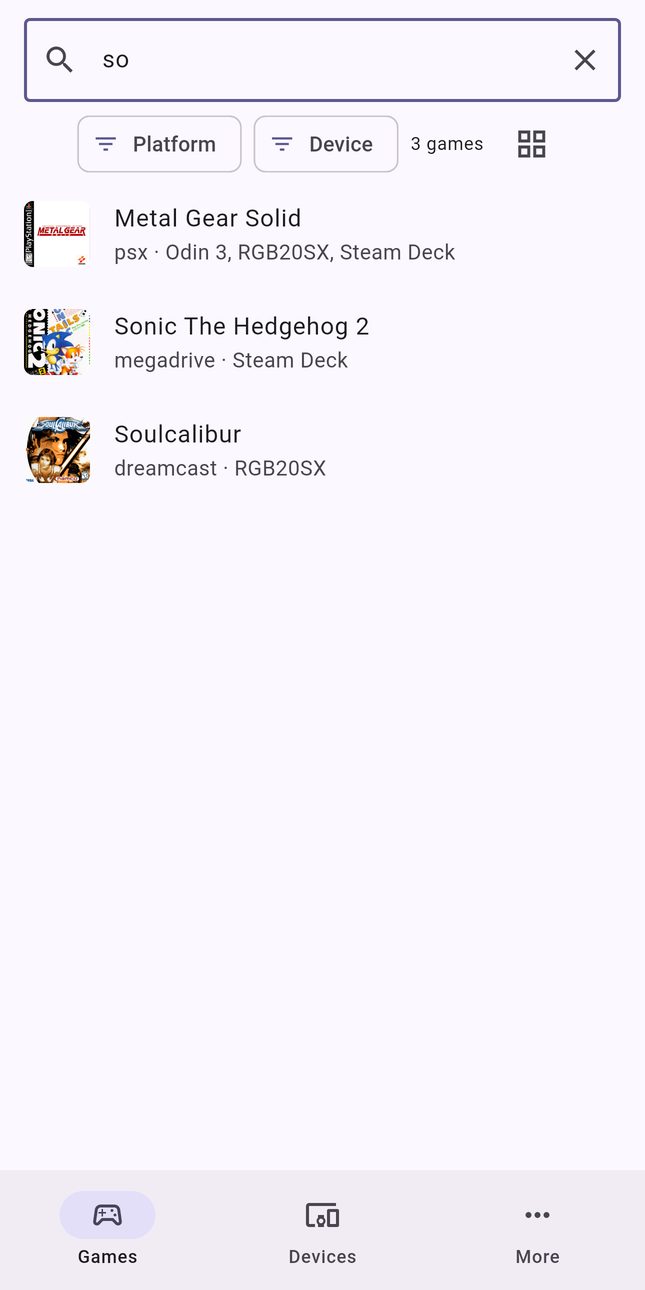
Search once
Type a game and see every device that has it, by file name or by the game's real title.
See a whole device
Open a handheld and browse everything on it, grouped by system, without turning it on.
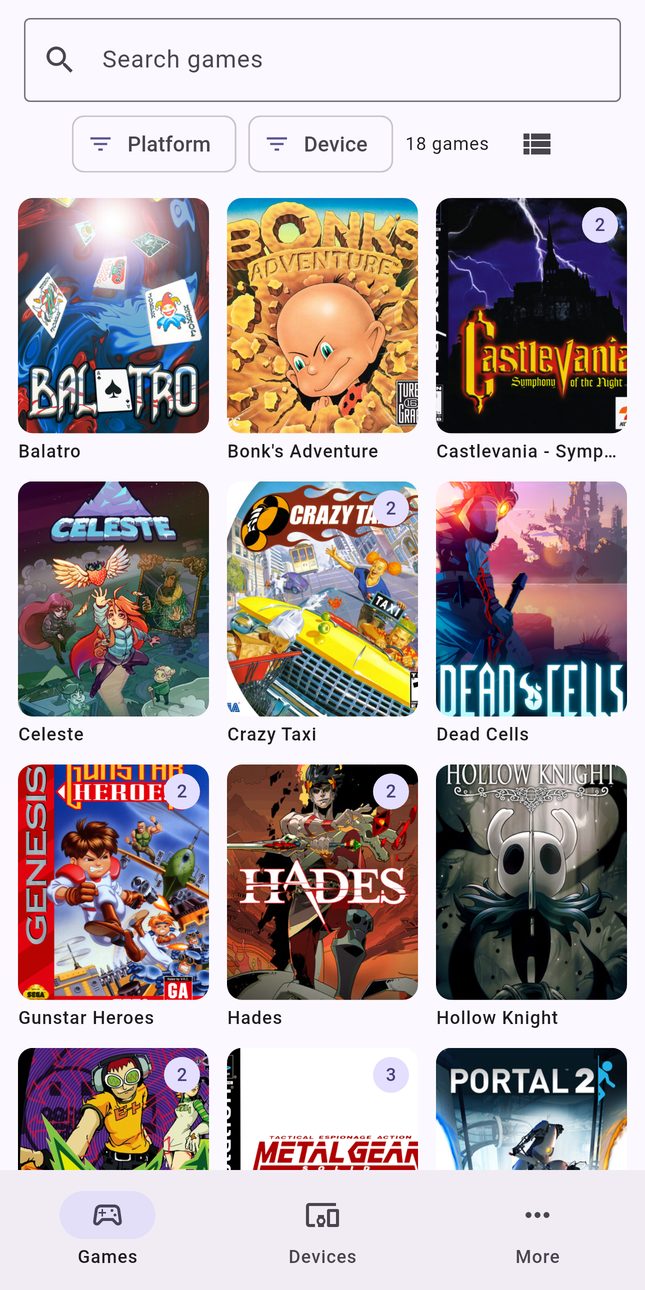
Real names and covers
Switch, arcade, and PlayStation 3 games show their real titles, not dump names. Cover art for most games.
See it
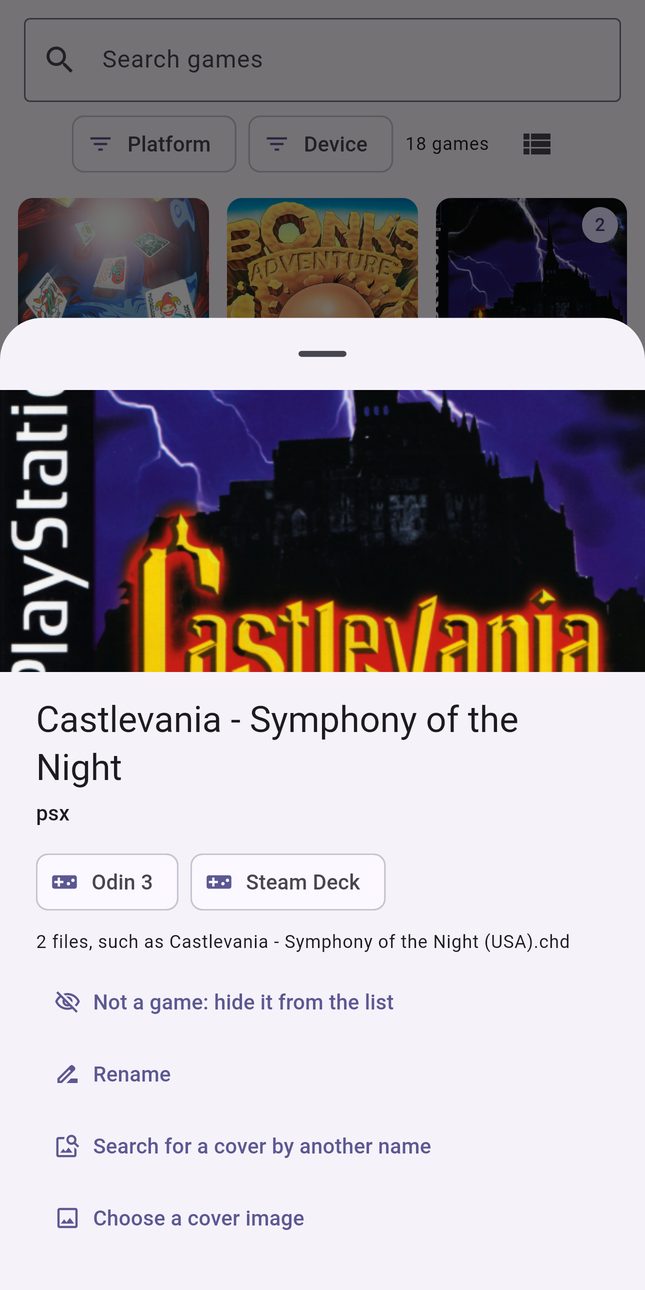
The app's own screens, shown with a sample library.
How it works
Your phone is the home for the list. Handhelds only report what they have, so even a slow device stays fast.
Steam Deck and Linux handhelds
Your phone finds them on your Wi-Fi and reads the game folders over the network. Nothing to install on the handheld.
Android handhelds
Install RomRoster on the handheld. It lists installed games and ROM folders and sends the list to your phone.
One list, kept current
Rescan any time with one tap. Hide things that are not games, rename the odd ones, pick a better cover.
Works with the firmware you already run
Tested on real hardware so far:
Built from each project's documentation, not yet tested on a device:
Anything else that offers SSH works too: pick Other and point it at your ROM folder.
Private by design
- No account. Your list lives on your phone and never goes to a server.
- RomRoster only reads file names and a few small parts of game files. It never changes anything on a handheld.
- Passwords stay in your phone's secure storage and are never synced.
- No ads, no analytics, no tracking.
- Cover art is optional. Turn it off and the app makes no image requests.
- RomRoster lists games. It does not download, share, or play them.
Free to use. One price for more.
No subscription.
Free
- Two devices
- Scanning, search, real names, and covers
- Sync between your phone and handhelds
- Backup and restore
RomRoster Pro
- Unlimited devices
- Export to Excel and CSV, ready for Google Sheets
- Your own image as a game's cover